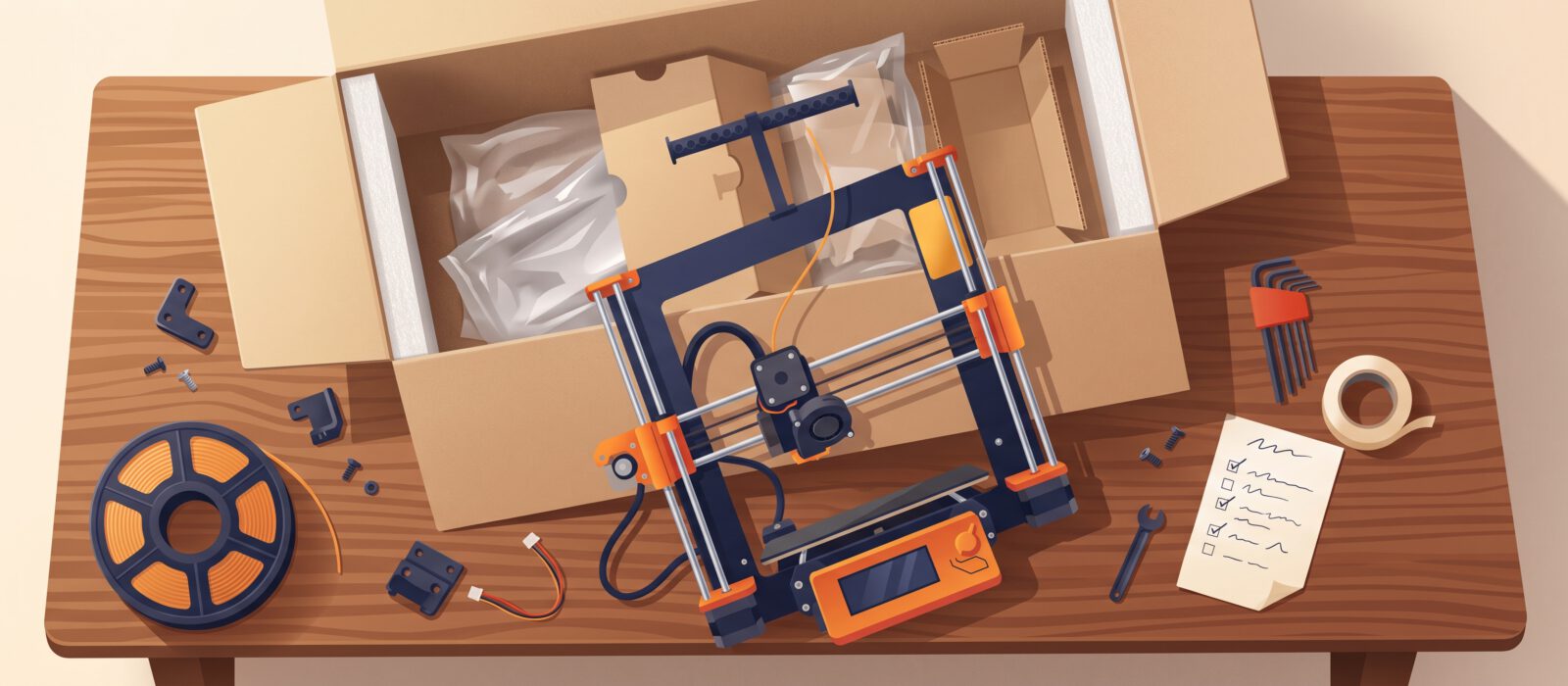
The box has arrived and you are itching to print. Take a breath: a little care in the first hour saves a lot of frustration later. This checklist walks you through unboxing, setting up and getting ready for that first print.
1. Unbox carefully and keep the packaging
- Take everything out and compare it with the parts list in the manual.
- Remove all transit protection: foam blocks, zip ties and tape holding the print head or bed in place. Missing one is the classic beginner stumble.
- Keep the box for a few weeks in case you need to return or ship the printer.
2. Choose a good spot
- A sturdy, level table. Printers shake, and a wobbly surface shows up as wobbly prints.
- Out of drafts, direct sun and cold garages. Stable room temperature gives better results.
- Good airflow, plus a smoke detector nearby. Never leave a printer running where nobody will notice a problem.
- Room to reach the back and sides, with an outlet close by.
3. Assemble and check
Follow the manufacturer’s instructions step by step. Many current printers need only a few screws. Once it is built, check that:
- Every screw and belt is snug, and wheels or rails move smoothly.
- Cables are routed so they cannot snag on the moving parts.
- The voltage switch (if there is one) matches your country’s power supply.
4. Level the bed (or let the printer do it)
The first layer must stick well, and that depends on the nozzle sitting the right distance from the bed. Many modern printers level automatically. If yours is manual, follow the on-screen or manual procedure and use a sheet of regular paper as a gauge: the nozzle should lightly drag on it.
5. Load your filament
- Start with PLA. It prints at lower temperatures, barely warps and has little odor.
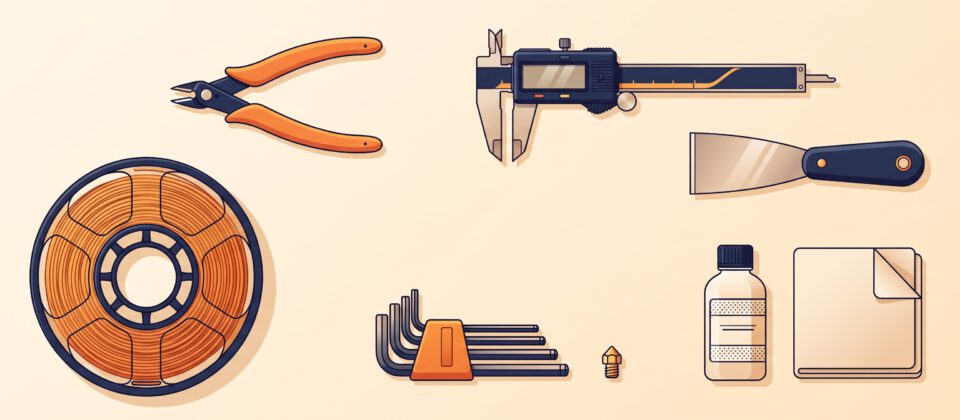
- Snip the end of the filament at an angle, then heat the nozzle and feed it through until plastic flows out smoothly.
- Keep the spool turning freely so nothing tangles.
6. Install and update the software
- Install the slicer recommended for your printer. Most manufacturers provide a profile with good starting settings.
- Check for a firmware update and read the release notes before installing it.
7. Run the built-in test print
Most printers ship with a ready-to-go test file on the SD card or in the app. Run it before anything else. If it fails, you have a clear way to tell whether the problem is the setup or your own model. Our next post walks you through the process of your first print.
Your first-week goals
- Complete a successful first-layer test
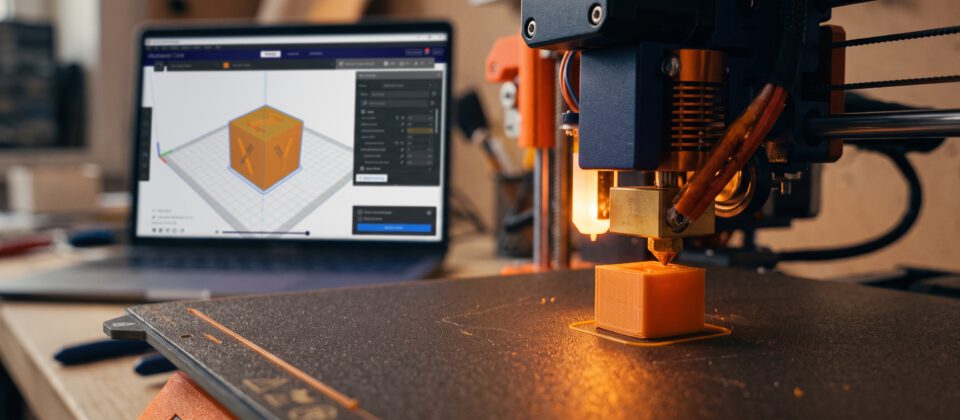
- Print a small calibration cube
- Learn how to remove a print without damaging the bed
- Try one useful print, such as a cable clip or phone stand
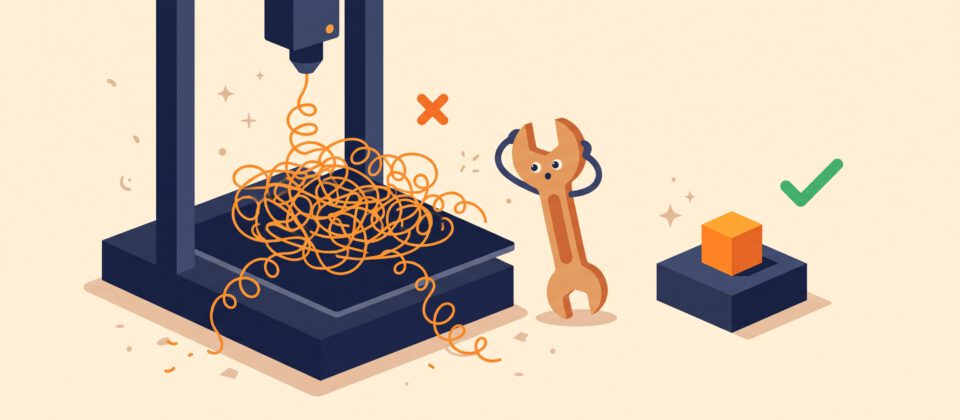
Expect a few mistakes. Each failed print teaches you something, and most problems have simple, well-known fixes.