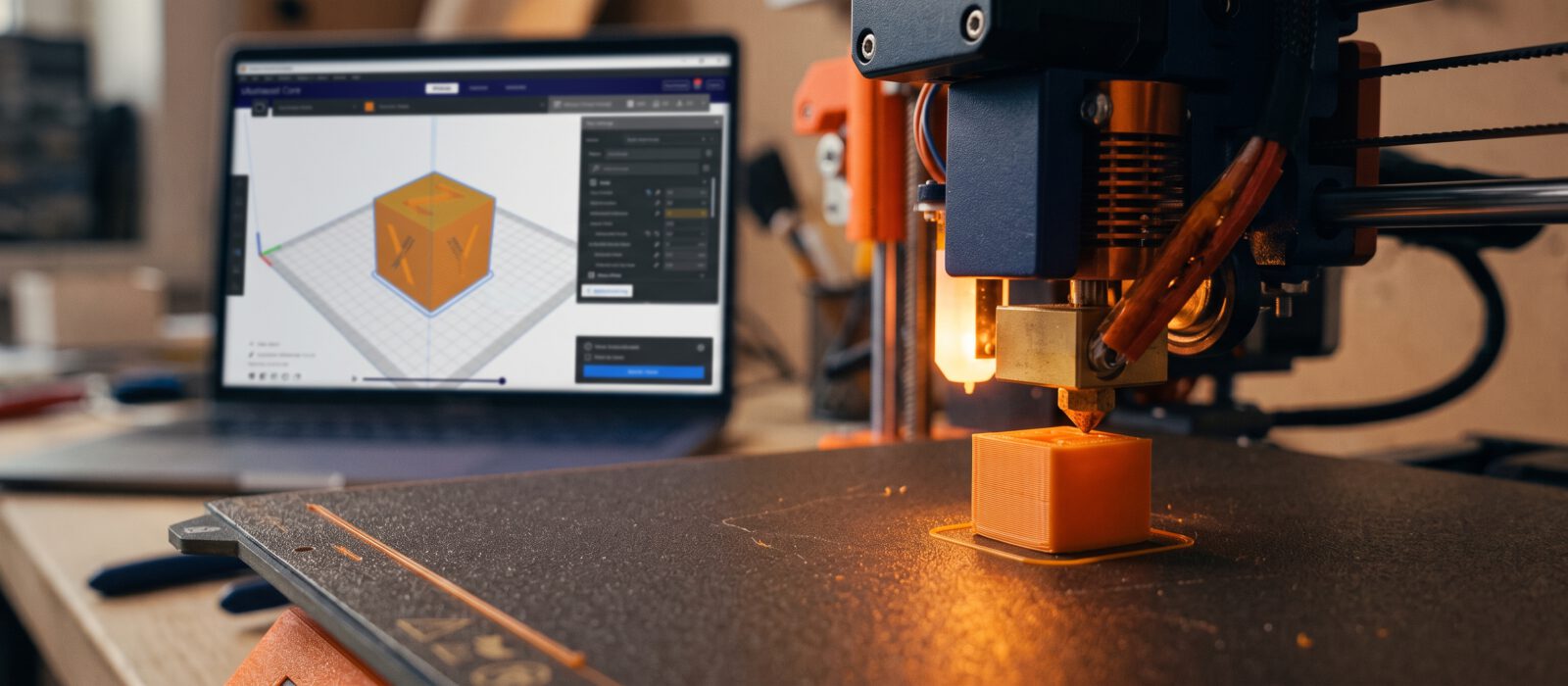
Your printer is built, leveled and loaded. Now for the fun part. This walkthrough takes you from a blank screen to a finished print, and explains each step so you know why you are doing it.
Step 1: Pick a simple model
Choose something small, flat on the bottom and without big overhangs. A 20 mm calibration cube is perfect. It prints in well under an hour and shows right away whether your printer is dimensionally accurate. Download it from Printables, MakerWorld or Thingiverse (you will usually get an .stl or .3mf file).
Step 2: Open it in your slicer
Import the file into your slicer. You will see the model on a virtual copy of your printer’s bed. Select your printer and the filament type (PLA) so the slicer loads the matching profile.
Step 3: Start with default settings
Resist the urge to tweak everything. For a first print, the manufacturer’s standard profile is a good place to start. Here are the basics you will see:
- Layer height: the thickness of each layer. 0.2 mm is a common balance of speed and quality.
- Infill: how solid the inside of the print is. 10 to 20 percent is plenty for most things.
- Supports: temporary structures under overhangs. A cube does not need them.
- Adhesion: options like a brim help the print stick to the bed. A brim is optional for a small cube.
- Temperatures: PLA usually prints with a nozzle around 190 to 220 °C and a bed around 50 to 60 °C. Check the label on your spool for its recommended range.
Step 4: Slice and preview
Click Slice. Use the layer slider to scrub through the preview and confirm there are no surprises. Then save the G-code to an SD card, USB drive or send it over Wi-Fi, depending on your printer.
Step 5: Clean the bed
Fingerprints and dust cause adhesion problems. Wipe the build plate with isopropyl alcohol (or follow your manufacturer’s advice for your particular plate) and let it dry.
Step 6: Start the print and watch the first layer
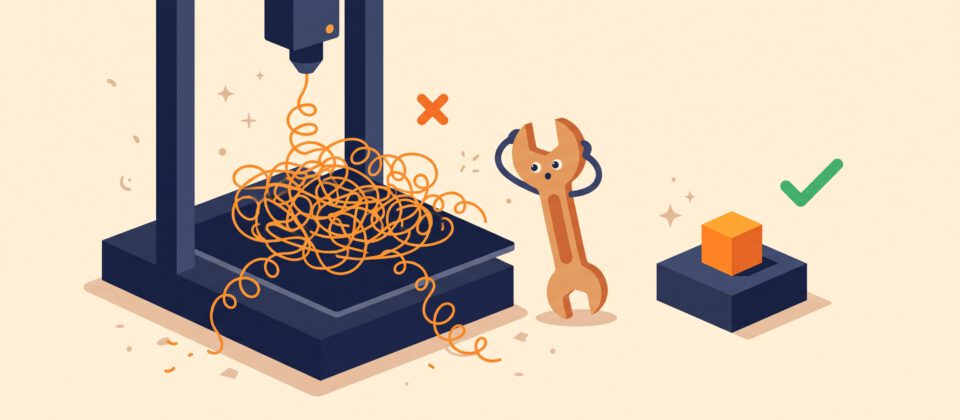
Stay with the printer for the first few minutes. The first layer should look like neat, slightly squished parallel lines that are firmly stuck to the plate. If you see stringy loops, gaps between lines or plastic being dragged around, stop the print and re-check your leveling. Getting this layer right is the single biggest factor in a successful print.
Step 7: Let it finish and cool
Resist the urge to yank it off. Let the bed cool for a few minutes, since many plates release the print on their own as they cool. Flexible plates can be bent gently to pop prints off. Use a scraper only if your plate manufacturer says it is safe.
Step 8: Check your result
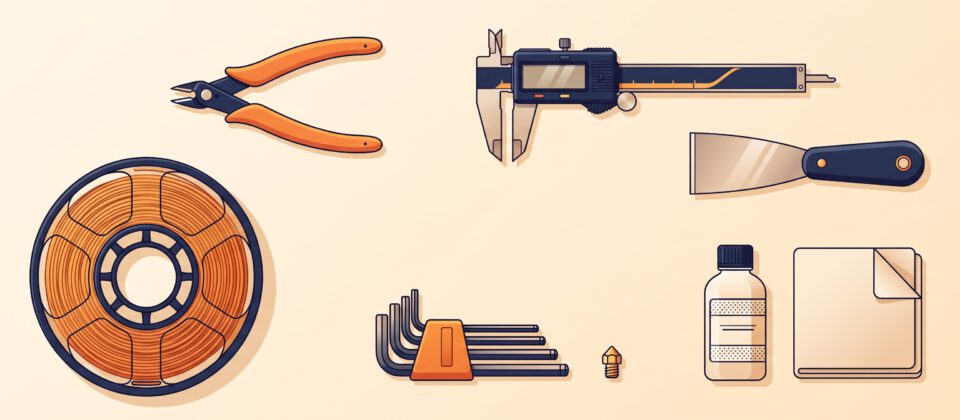
Measure the cube with calipers (or a ruler). It should be close to 20 mm per side. Look for smooth walls, sharp corners and clean top layers. Small differences are normal and can be tuned later.
What if it went wrong?
That is completely normal. Most first-print failures come from three causes: the bed was not level, the bed was dirty or the nozzle was clogged. Fix one thing at a time and try again.