Tutorials
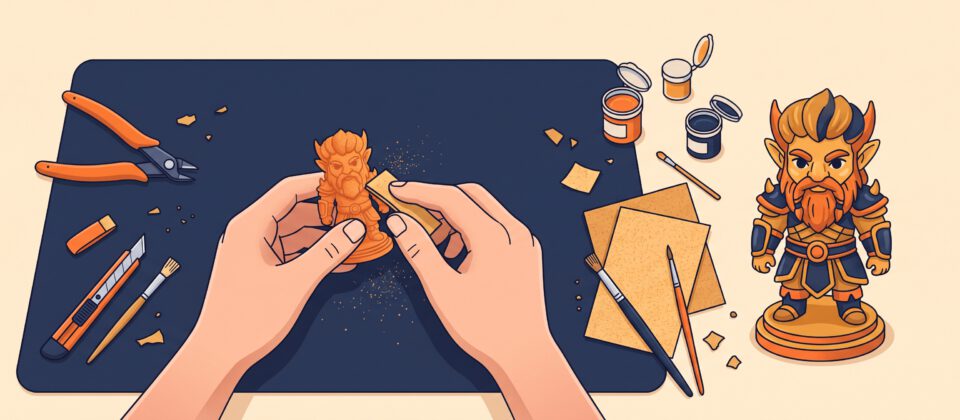
How to Post-Process 3D Prints: Supports, Sanding and Painting
Remove supports cleanly, sand away layer lines and paint your prints for a smooth, professional finish.
3D Printing
Step-by-step guides from setup and bed leveling to your first print.
Remove supports cleanly, sand away layer lines and paint your prints for a smooth, professional finish.
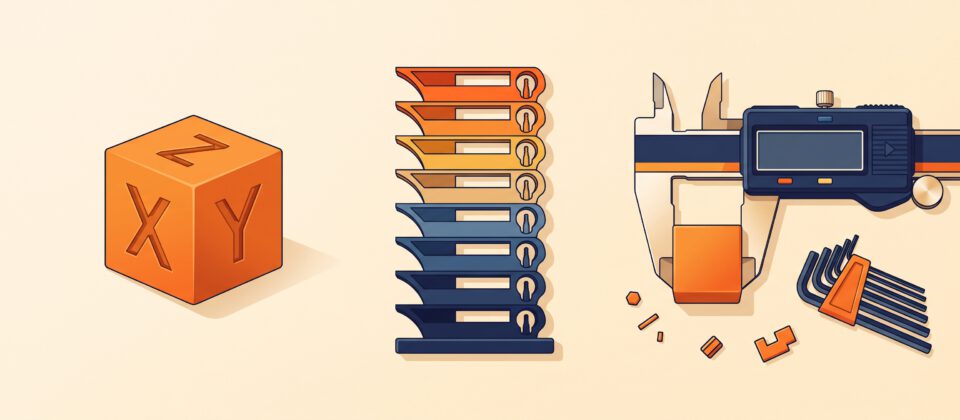
Turn a decent printer into a great one with three simple calibrations: a calibration cube, a temperature tower and a flow test.
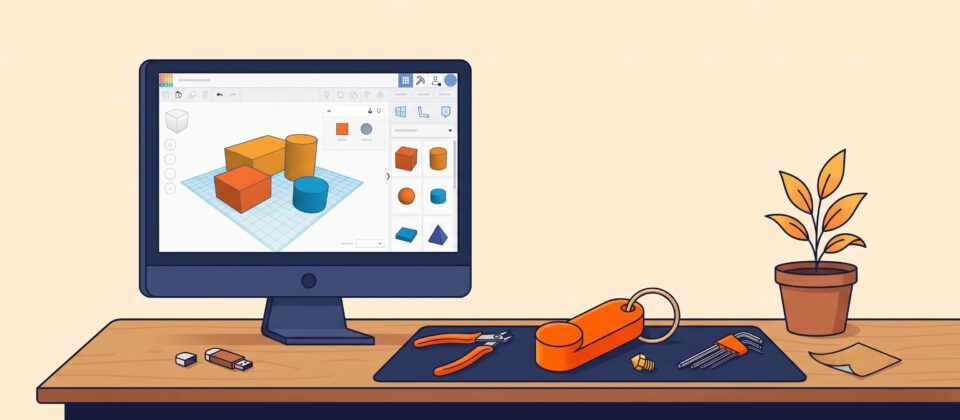
Design a custom keychain tag in the free, browser-based Tinkercad, then export it as an STL, ready to slice and print.
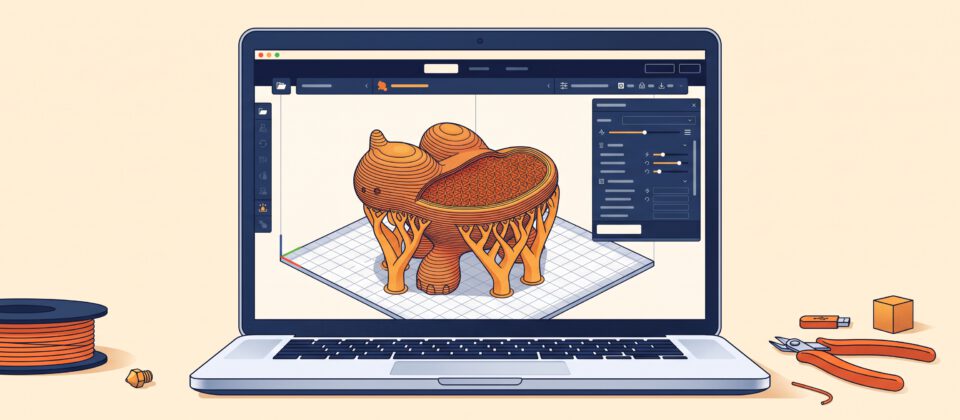
The slicer settings that matter most, what they do and a beginner-friendly starting recipe you can use on your first prints.
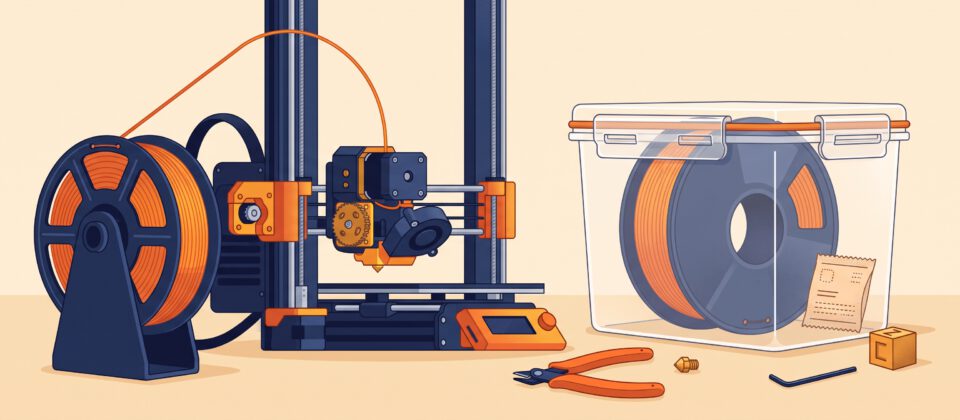
Master loading and swapping filament, clearing a clog with a cold pull and storing spools so they stay dry and print well.
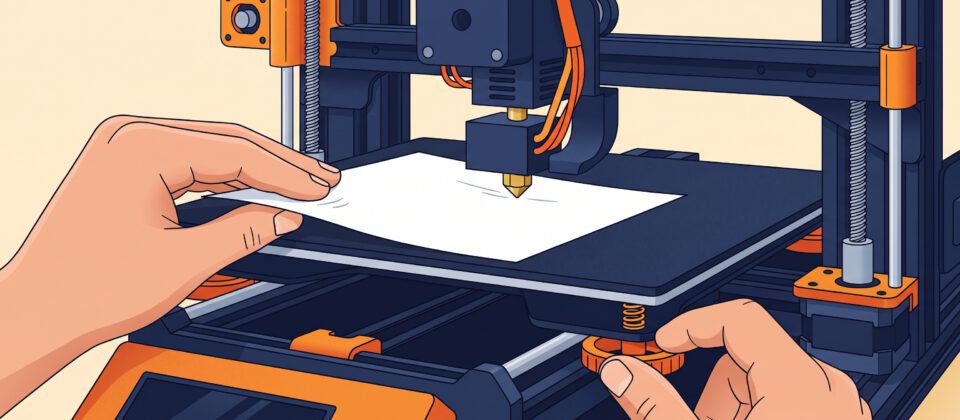
A level bed is the secret to a perfect first layer. Learn the paper test, how to fine-tune Z offset and what to do…