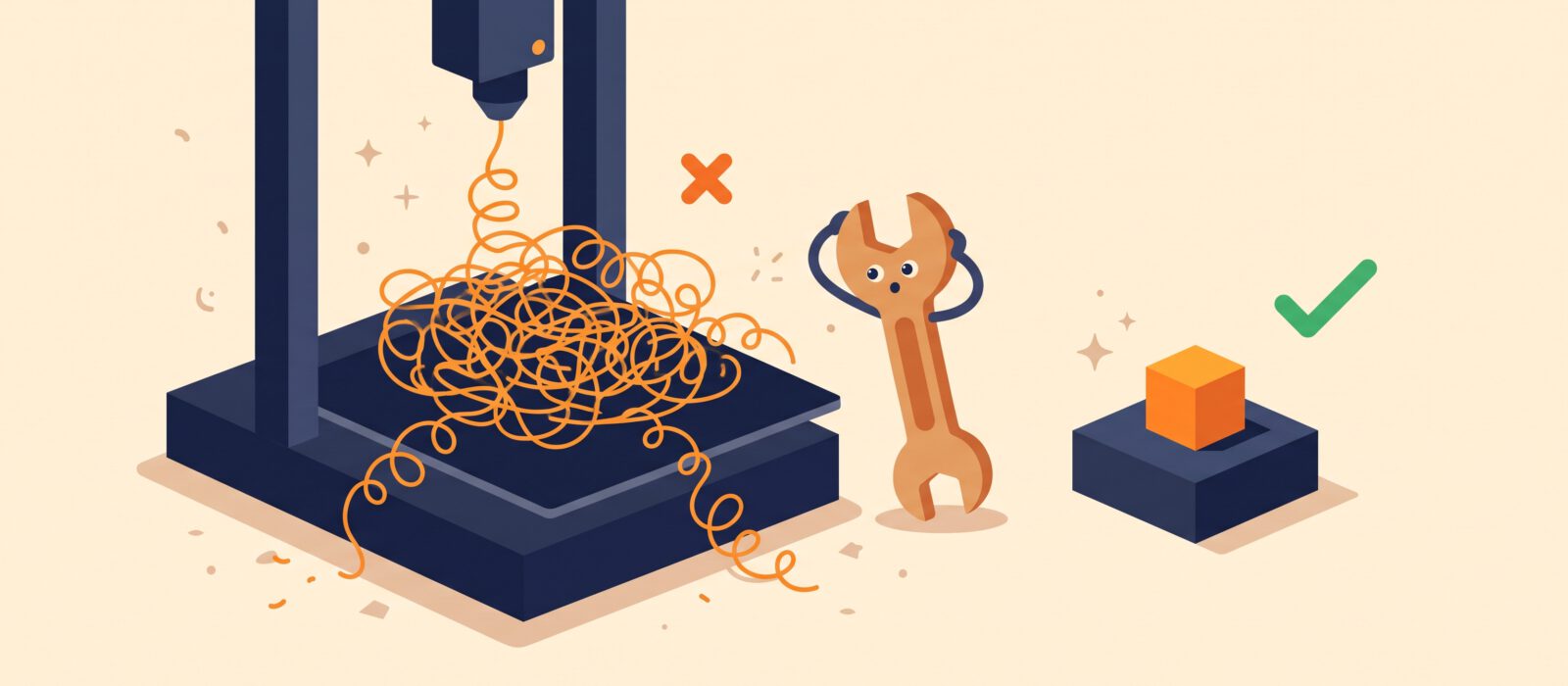
Everyone makes mistakes when they begin. The trick is knowing which ones are common so you can skip the worst of the frustration. Here are ten beginner mistakes, and the easy fixes for each.
1. Skipping bed preparation
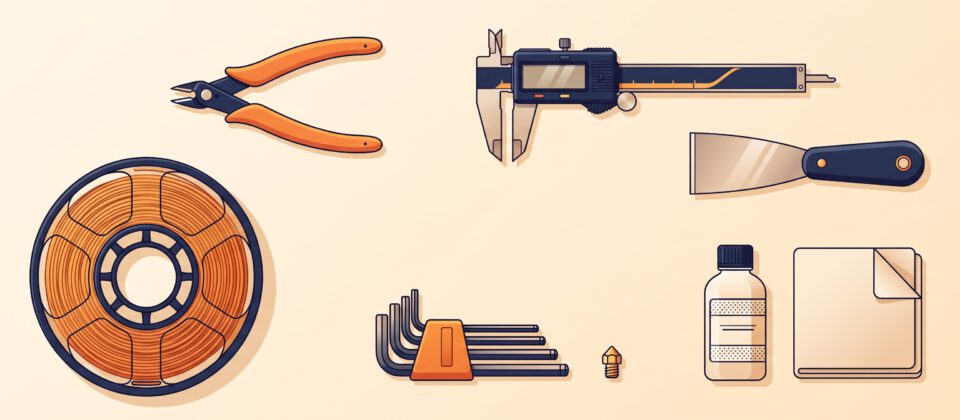
Dust and finger oils stop plastic from sticking. Fix: wipe the plate with isopropyl alcohol before prints, and avoid touching the surface with bare hands.
2. Poor first-layer height
If the nozzle is too far from the bed, the plastic will not stick. If it is too close, it will scrape and clog. Fix: re-level or re-run your auto-leveling, and fine-tune the Z offset in small steps.
3. Printing too fast, too soon
High speeds can cause ringing, wobbles and layer problems. Fix: stay with default speeds until you can print reliably, then increase gradually.
4. Using damp filament
Filament absorbs moisture from the air, which causes popping sounds, stringing and rough surfaces. Fix: keep spools sealed with desiccant when not in use. Wet filament can often be dried in a filament dryer.
5. Buying the wrong material first
Materials like ABS and nylon need enclosures and ventilation. Fix: learn on PLA, then try PETG, and only move on to harder materials when you are comfortable.
6. Ignoring the slicer preview
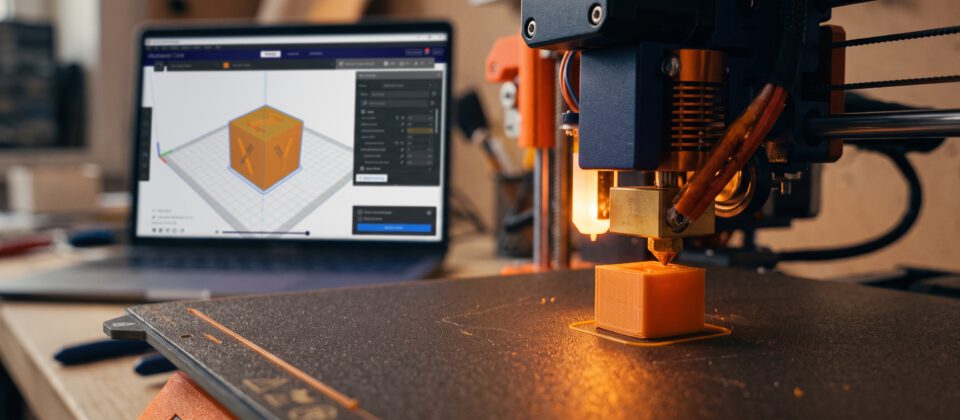
Many failures are visible before you press print. Fix: always scroll through the preview. Look for thin features, floating sections and missing supports.
7. Walking away from the first layers
The first few minutes show you almost everything. Fix: watch the first layer, and check back after the first few millimeters as well.
8. Changing too many settings at once
If you change five things and the print improves, you do not know why. Fix: change one setting at a time and take notes.
9. Skipping basic maintenance
Dust, filament scraps and loose screws build up. Fix: every few weeks, clean the printer, check belts and screws for tightness and lightly lubricate parts as the manufacturer recommends.
10. Giving up after one failed print
Failures are a normal part of the learning process, and nearly every issue has a documented fix. Fix: look at the failed print, work out where it went wrong (bottom layers, mid-print or the end) and search for that symptom. The community is generous with help.
Safety reminders
- The nozzle and bed get hot enough to burn skin. Wait before touching them.
- Do not leave a printer running unattended in an unsafe area, and keep a smoke detector close.
- Print in a space with good airflow.