Loading filament is one of the first skills you will practice, and you will repeat it often as you try new colors and materials. Done well, it takes a few minutes. This tutorial covers loading, changing and storing filament, plus a few tips that prevent clogs.
What you will need
- A spool of filament (PLA is easiest to start with)
- Flush cutters or sharp scissors
- A pair of tweezers or pliers for stray bits
- Paper towel for the nozzle
Know your filament before loading
Every spool has a label with the recommended nozzle and bed temperatures. As a starting point:
- PLA: nozzle about 190 to 220 °C, bed about 50 to 60 °C
- PETG: nozzle about 230 to 250 °C, bed about 70 to 85 °C
Always trust the label on your own spool over general numbers.
How to load filament
- Heat the nozzle. Use the printer’s load or preheat menu and choose the temperature for your material. Filament must be soft to flow.
- Prepare the end. Cut the tip of the filament at a sharp angle. A pointed end slides through the extruder more easily than a flat or bent end. Straighten the first 10 cm if it is curved.
- Mount the spool. Make sure it unwinds freely. The filament should come off the top or bottom of the spool in the direction that does not bind.
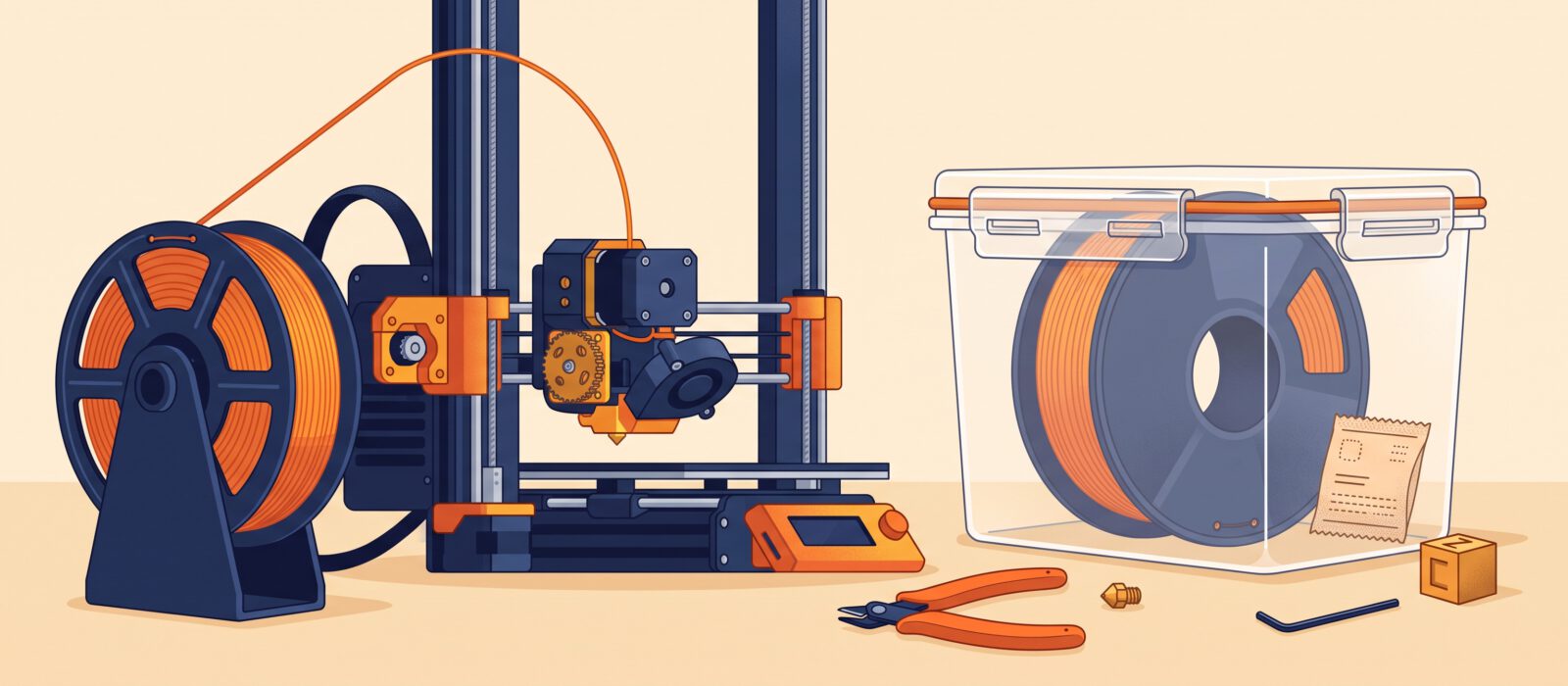
- Feed it in. Release the extruder lever or hold the clip, push the filament into the opening until you feel it grab, then let the printer pull it in. On direct-drive printers, you feed it into the extruder gear and the tube to the hotend. On Bowden setups, the filament passes through a tube.
- Purge until clean. Extrude until the new color or material comes out steadily with no traces of the old one. Wipe any strand from the nozzle with a paper towel (the nozzle is hot, so use tweezers or a cloth).
How to change filament
- Heat the nozzle to the temperature of the filament currently loaded, or slightly above.
- Use the unload or retract option. Many printers push a bit of plastic forward first and then pull it back. This helps remove it cleanly.
- When the filament comes free, remove it and cut off any melted or deformed tip.
- If you are switching from one material to a very different one (for example PETG to PLA), purge extra filament so the old plastic is fully cleared. Switching to a lower temperature material is best done by loading the new one at the temperature of the old.
- Load the new filament using the steps above.
Common loading problems
- The filament will not enter: re-cut the tip, check for a bent end and make sure the extruder lever is released.
- Clicking or grinding: the nozzle may be too cold or clogged. Raise the temperature a little or try a cold pull (see below).
- Filament snaps: old or brittle filament, especially if it has been left out for months. Keep it sealed.
- Tangled spool: never let loose ends spring loose. Clip the end into the holes on the spool’s edge when you remove it.
A simple cold pull for clogs
If the nozzle is partly blocked, heat it, push filament through, then let the temperature fall to about 90 °C for PLA while you keep light pressure on the filament. Pull the filament out firmly. The plastic that comes out will often bring stuck debris with it. Repeat until the tip comes out clean.
How to store filament
Most filaments absorb moisture from the air. Wet filament pops, strings and prints with rough surfaces.
- Keep unused spools in a sealed bag or container with silica gel desiccant.
- Use a printer-side dry box for spools that you use often.
- If a spool is already wet, you can dry it in a filament dryer. As a rule of thumb, PLA is dried at around 45 to 50 °C and PETG at about 65 °C for several hours, but check what your spool manufacturer recommends.
Keep filament out of direct sunlight and away from heat sources, and remember that a dry spool prints better than any setting tweak.