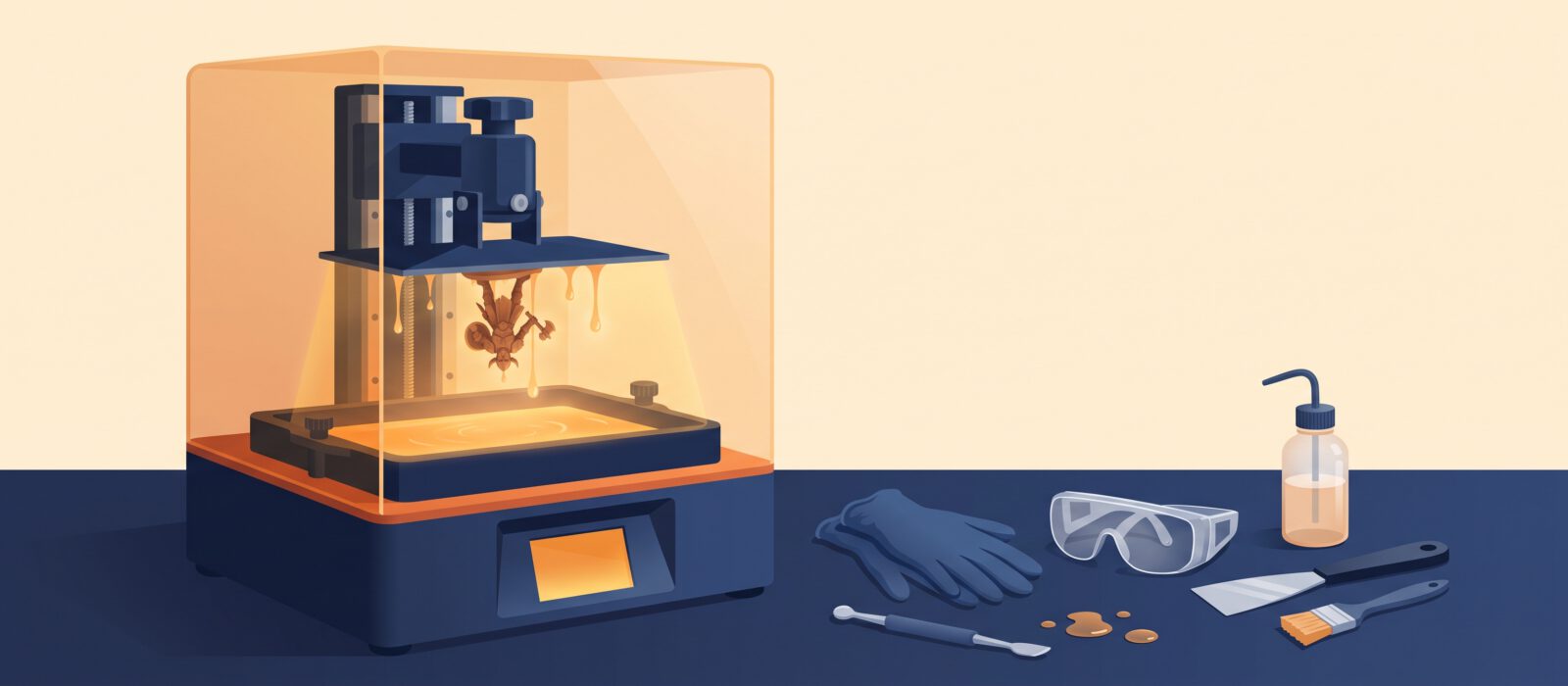
Resin 3D printers create astonishingly detailed models, which is why tabletop gamers, miniature painters and jewelry makers love them. They are also messier and need more safety care than filament printers. This guide compares the best beginner-friendly resin printers of 2026 and explains the real costs of getting started.
Side-by-side comparison
| Printer | Price | Resolution | Build volume | Leveling | Tilt-vat | Skill level |
|---|---|---|---|---|---|---|
| Anycubic Photon Mono 4 | $169 – $219 | 10K | 153 × 87 × 165 | One-time manual | No | Beginner |
| Elegoo Mars 5 Ultra | $269 – $338 | 9K | 153 × 77 × 165 | None | Yes | Beginner |
| Phrozen Sonic Mini 8K S | $270 – $349 | 8K | 165 × 72 × 180 | One-time manual | No | Beginner / Intermediate |
| Elegoo Saturn 4 Ultra 16K | $479 – $599 | 16K | 218 × 123 × 220 | None | Yes | Beginner / Intermediate |
| Anycubic Photon Mono M7 Pro | $549 – $669 | 14K | 223 × 126 × 230 | Automatic | No | Intermediate |
Typical price (lower is cheaper)
Build volume in liters
The real cost of getting started
The printer is just the beginning. Plan on about $150 to $200 over your first six months for supplies and accessories.
| Item | Typical cost | Why you need it |
|---|---|---|
| Standard resin (1 kg) | $25 – $50 | Your first bottle. Gray or beige standard resin is easiest |
| Wash and cure station | $80 – $200 | Cleans uncured resin and hardens the print with UV light. Elegoo and Anycubic both sell matching stations |
| Isopropyl alcohol (IPA) | $10 – $25 | Washes prints (not needed for water-washable resin) |
| Nitrile gloves and safety glasses | $10 – $20 | Protect skin and eyes |
| Spare FEP film and silicone mat | $10 – $25 | The vat film wears out over time |
| Paper towels and a resin funnel | $5 – $15 | Cleanup and refilling |
Anycubic Photon Mono 4
Anycubic Photon Mono 4
The lowest-priced credible way to try resin printing. A small vat limits wasted resin, and the 10K screen gives crisp detail for miniatures. You level the plate by hand once during setup, and there is no tilting vat, so peel forces on the film are higher than on newer designs.
Who it is for: First-timers who want to test resin on a tight budget, usually for tabletop miniatures.
Pros
- Lowest entry price
- Small vat means less resin waste
- Mature slicer support and lots of tutorials
Limitations
- No tilt-vat, so more peel force and more chance of failed prints
- Small build volume
- You still need a wash and cure setup and safety gear
Software: Anycubic Photon Workshop (free), ChiTuBox or Lychee Slicer.
Filament / resin requirements: Standard 405 nm photopolymer resin. Start with a plain gray or beige standard resin. Water-washable resins reduce solvent use but still need gloves.
Accessories and upgrades: Nitrile gloves, isopropyl alcohol, a wash and cure station, spare FEP film, a silicone mat, paper towels and a resin funnel.
Elegoo Mars 5 Ultra
Elegoo Mars 5 Ultra
The most beginner-friendly resin printer in this group. A tilt-vat mechanism peels each layer gently, so fewer prints fail, and there is no manual plate leveling to get wrong. Detail on miniatures and jewelry masters is excellent.
Who it is for: First-time resin users who want great detail without leveling or peel-force tuning.
Pros
- Tilt-vat reduces stuck and failed prints
- No manual leveling
- Sharp 9K detail
- Failure detection and auto features
Limitations
- Small build plate
- Costs more than the Mono 4
- Like all resin printing: messy workflow, gloves and wash required
Software: ChiTuBox (free) or Lychee Slicer. Elegoo supplies profiles.
Filament / resin requirements: Standard 405 nm resin. Elegoo sells matching resin; any reputable standard resin works.
Accessories and upgrades: A wash and cure station (Elegoo’s Mercury line is the usual pairing), IPA, nitrile gloves, spare FEP film and a ventilated space.
Phrozen Sonic Mini 8K S
Phrozen Sonic Mini 8K S
A long-time favorite of miniature painters and jewelry makers, known for sharp detail and good documentation. It is a conventional design (no tilt-vat) and the workflow is a little less polished than the Mars 5 Ultra, but community support is strong.
Who it is for: Tabletop miniature makers and jewelry casters who already know they want fine detail.
Pros
- Strong precision at 22 µm
- Works with ChiTuBox and Lychee
- Established community and guides
Limitations
- One-time manual leveling
- No tilt mechanism
- Overtaken on ease of use by newer tilt-vat designs
Software: ChiTuBox or Lychee Slicer.
Filament / resin requirements: Standard 405 nm resin. Phrozen sells its own range, including casting resins for jewelry.
Accessories and upgrades: Wash and cure station, IPA, gloves, spare FEP film and a ventilated space.
Elegoo Saturn 4 Ultra 16K
Elegoo Saturn 4 Ultra 16K
Mars 5 Ultra ease of use on a bigger plate with a 16K screen. A tilt-vat and automatic features keep the workflow simple, while the larger build area lets you print several miniatures at a time or bigger models. Larger prints do use more resin, which raises running costs.
Who it is for: Buyers who want one resin printer that can handle both detailed miniatures and larger pieces.
Pros
- Tilt-vat and no manual leveling
- Larger build plate than the Mars-class machines
- 16K detail
- Mature slicer support
Limitations
- Costs nearly double a Mars 5 Ultra
- Larger prints use more resin
- The extra resolution only really shows on the smallest details
Software: ChiTuBox or Lychee Slicer.
Filament / resin requirements: Standard 405 nm resin. Keep resin warm in cold rooms for best results.
Accessories and upgrades: A larger wash and cure station, extra FEP film, gloves, IPA and spare resin.
Anycubic Photon Mono M7 Pro
Anycubic Photon Mono M7 Pro
A step-up resin printer for people who already know they will use it a lot. Automatic resin refill, peel detection and faster printing cut down hands-on work. It is more machine than most first-time buyers need, but ideal if you are scaling up from a first printer.
Who it is for: People stepping up from a first resin printer who want speed and fewer manual steps.
Pros
- Automatic resin refill
- Faster printing than standard MSLA
- Large plate and 14K screen
- Peel detection and vat heater
Limitations
- Expensive for a first printer
- Fully appreciated only after a few resin prints
- Still needs wash and cure gear
Software: Anycubic Photon Workshop, ChiTuBox or Lychee Slicer.
Filament / resin requirements: Standard 405 nm resin, plus the specialty resins Anycubic sells. Check the bottle for compatible screen wavelength.
Accessories and upgrades: Anycubic Wash & Cure station, gloves, IPA and spare film.
Resin vs filament: which should you buy first?
| Resin (MSLA) | Filament (FDM) | |
|---|---|---|
| Detail | Exceptional | Good |
| Strength | Often brittle | High |
| Mess and safety | Gloves, ventilation, washing, curing | Minimal |
| Running cost | Higher (resin, IPA, film, gloves) | Lower |
| Build volume | Usually smaller | Usually larger |
| Best for | Miniatures, figurines, jewelry masters | Functional parts, toys, general use |
If you are not sure, start with filament. Our beginner printer guide compares the best choices. Many makers add a resin machine later for miniatures.
Software for resin printers
- ChiTuBox and Lychee Slicer: the two most popular free slicers. Both support most machines in this guide.
- Anycubic Photon Workshop: free, made for Anycubic printers.
- Elegoo and Phrozen profiles: available in ChiTuBox and Lychee.
- Download from each tool’s official site: ChiTuBox and Lychee Slicer.
Frequently asked questions
Can I use any resin in any resin printer?
Most 405 nm standard resins work in most MSLA printers. Always check the resin’s exposure settings in your slicer and test with small prints first.
Do I need a wash and cure station?
Effectively yes. Prints must be washed and fully cured. You can do it with IPA containers and sunlight, but a station is cleaner and more repeatable.
Is resin printing safe at home?
It can be, with care. Use gloves and ventilation, avoid skin contact, keep resin away from children and pets, and dispose of waste properly. If that sounds like too much, start with filament.