Heads up: some links on this page are affiliate links. As an Amazon Associate I earn from qualifying purchases, at no extra cost to you.
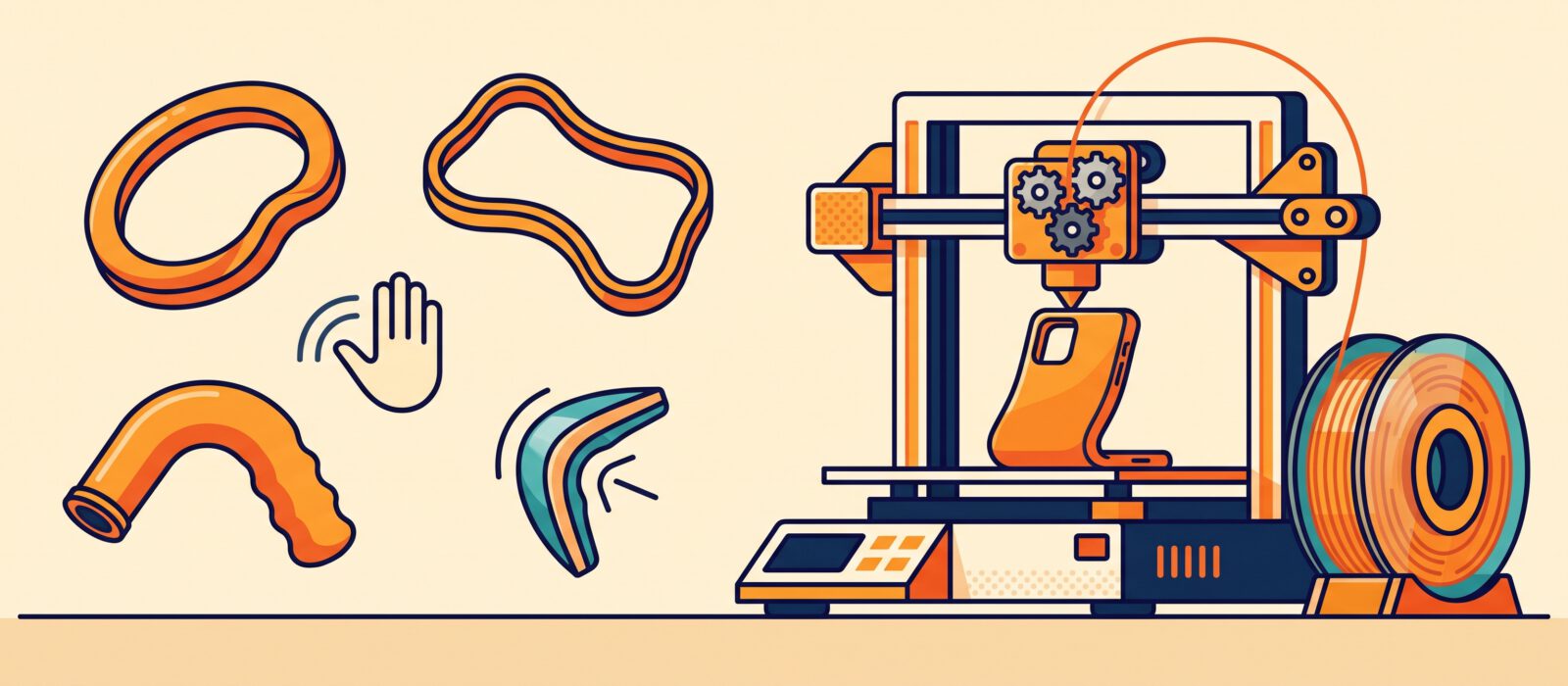
TPU is a rubber-like filament used for phone cases, gaskets, feet, wheels and grips. It is tough, absorbs impact and bends without breaking. It is also the filament that gives beginners the most trouble, usually because it was printed too fast. With the right printer setup and slow speeds, TPU works well.
TPU at a glance
| Property | Typical value |
|---|---|
| Nozzle temperature | 210 – 235 °C (many profiles use about 220 – 230 °C) |
| Bed temperature | 30 – 60 °C |
| Print speed | Slow: about 20 – 40 mm/s on most printers |
| Cooling fan | Medium to high: 50 – 100 % |
| Retraction | Minimal to off |
| Extruder | Direct drive recommended |
| Typical cost | About $22 – $35 per 1 kg spool |
Understanding Shore hardness
Flexible filament is rated on the Shore scale. A lower number is softer. Most spools are 95A, which is flexible like a shoe sole.
| Hardness | Feels like | Good for | Difficulty |
|---|---|---|---|
| 85A | Soft rubber band | Seals, gaskets | Hard on Bowden printers |
| 90A | Soft rubber | Grips, bumpers | Moderate |
| 95A | Firm rubber, like a shoe sole | Phone cases, feet, wheels | Easiest TPU |
| 98A | Firm, slightly flexible | Gear covers, clips | Easier |
| 64D | Almost rigid plastic | Impact-resistant parts | Easy |
Flexibility by hardness (longer bar = more flexible)
What your printer needs
| Setup | How it works with TPU | Tips |
|---|---|---|
| Direct-drive extruder | Best: filament has a short, straight path | Print 95A at 30 – 60 mm/s |
| Bowden extruder | Possible but slower; filament can buckle in the tube | Use 95A or harder and 15 – 25 mm/s |
| AMS or multi-material system | Often not recommended for soft TPU | Feed TPU straight from the spool if the maker advises |
| Textured PEI plate | Good adhesion without glue | Lower bed temperature to reduce stickiness |
Where to buy
| Brand | Why people like it | Where to buy |
|---|---|---|
| SainSmart TPU | Popular, consistent 95A | Find on Amazon |
| Overture TPU | Affordable and easy | Find on Amazon |
| SUNLU TPU | Good value, many colors | Find on Amazon |
| Elegoo TPU | Budget friendly | Find on Amazon |
Settings and tips
- Go slow. Speed is the most common cause of failure.
- Dry the spool. TPU absorbs moisture. Dry at about 50 – 55 °C for 4 – 6 hours.
- Reduce or disable retraction. Pulling back soft filament can cause jams.
- Set extruder tension gently. Too much pressure squashes the filament; too little slips.
- Use a 0.4 mm or larger nozzle.
- Add a brim for tall thin parts.
Common TPU problems and fixes
| Symptom | Likely cause | Fix |
|---|---|---|
| Filament tangles in the extruder | Printing too fast or loose filament path | Slow to 20 – 30 mm/s, shorten the path, tighten tension slightly |
| Strings and blobs | Wet filament or too hot | Dry the spool, lower temperature 5 – 10 °C |
| Under-extrusion | Squashed filament or slow feed | Increase flow, check extruder tension |
| Part sticks too hard to plate | Bed too hot or Z offset too low | Lower bed temperature, use glue stick as release |
New to filament? Start with PLA, then see how TPU compares in our material comparison. For tools to clean up stringing see our accessories guide.
Frequently asked questions
Can I print TPU on a Bowden printer?
Yes, but you need slow speeds and a harder TPU such as 95A or 98A. A direct-drive upgrade makes it much easier.
Is TPU waterproof?
Printed TPU resists water well, but layer lines can still let water seep. Print with extra walls and consider sealing.
Can I use supports with TPU?
Yes, but they are hard to remove. Design parts that avoid overhangs.
Why is my TPU print stringy?
Moisture, heat or retraction. Dry the filament, reduce temperature and tune retraction.